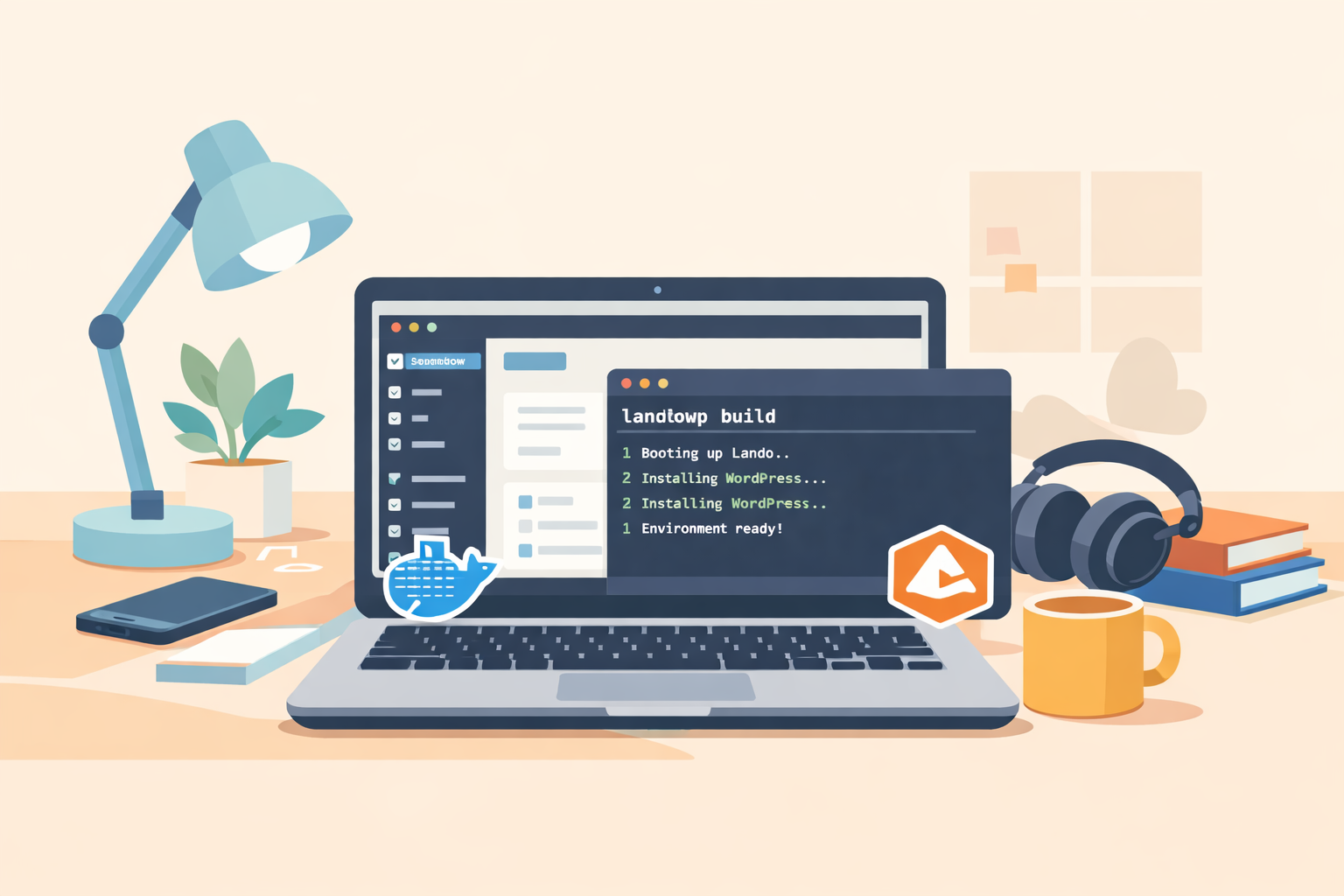
Every time I start a new WordPress plugin project, I used to repeat the same dance:
- write a
.lando.yml - configure PHP + DB
- install WordPress manually
- wire up WP-CLI
- pray nothing breaks
After the 20th time… yeah, no thanks.
So I built landowp — a tiny CLI bash script that sets up a full WordPress + Lando local development environment in one command, specifically for plugin development.
If you’ve ever searched for:
- setting up WordPress in Lando for plugin development
- WordPress Lando plugin development environment
- Lando WordPress local setup
- WordPress plugin dev with Docker and Lando
This is exactly for you.
What is landowp?
landowp is a lightweight CLI wrapper around Lando that:
- boots a WordPress stack
- downloads WordPress core automatically
- configures WP‑CLI
- forwards commands to Lando
- keeps everything disposable and repeatable
Basically: stop configuring, start coding.
GitHub: https://github.com/easterncoder/landowp
Why Lando for WordPress plugin development?
Lando sits on top of Docker and gives you:
- consistent PHP versions
- built‑in database
- WP‑CLI ready
- easy start/stop/reset
For plugin dev, that means faster setup and fewer “why is this broken on my machine” moments.
Install prerequisites
You’ll need:
- Docker
- Lando
Install those first.
Install landowp
git clone https://github.com/easterncoder/landowp
cd landowp
chmod +x landowp
sudo mv landowp /usr/local/bin/
Now you can call landowp anywhere.
Build your WordPress environment
Inside your plugin folder:
landowp build my-plugin-appThis will:
- create
.landowp/ - generate
.lando.yml - generate
wp-cli.yml - start Lando
- download WordPress
- auto-install WordPress
Grab coffee. It’s done before the mug cools.
Daily usage
Everything forwards to Lando automatically:
landowp start
landowp stop
landowp wp plugin install query-monitor
landowp wp db reset
Feels native. Less typing. Less thinking.
Clean up
landowp purgeDeletes the environment completely. No leftovers. No zombie containers.
Typical workflow
mkdir my-awesome-plugin
cd my-awesome-plugin
landowp build plugin-dev
code .
Then just code → refresh → repeat.
That’s it.
What gets created
.landowp/
  ├─ .lando.yml
  ├─ wp-cli.yml
Defaults include:
- PHP 8.4
- MariaDB 11.4
- Xdebug enabled
- Admin credentials : admin/password
(Change credentials. Please.)
Why I built this
Because writing the same YAML over and over isn’t engineering — it’s busywork.
I wanted one command and zero setup drama.
So I made it.
License
landowp is licensed under GPL‑2.0, the same license as WordPress.
Free to use. Free to modify. Free to share.
Fork away.
TL;DR
landowp buildDone.
Environment ready. Brain still intact.